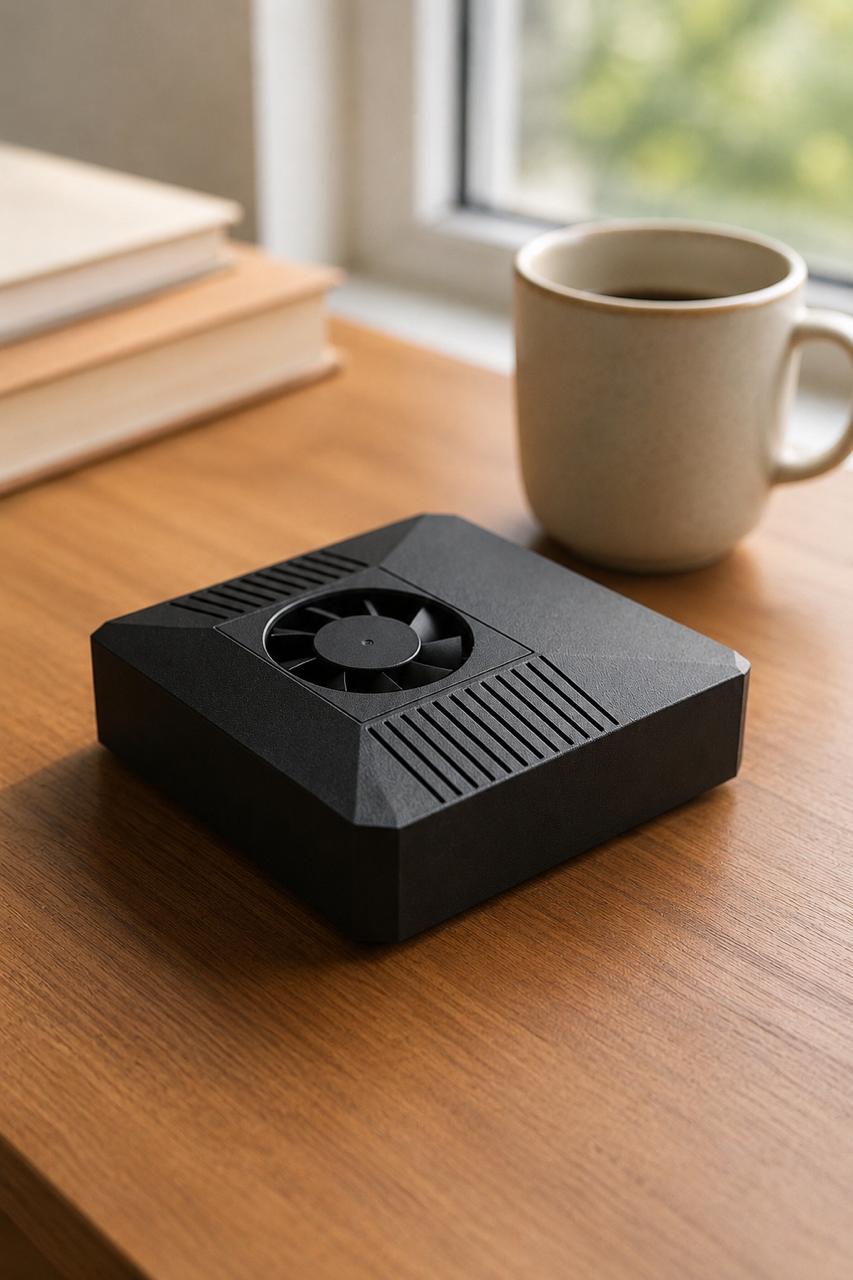
If you want to run OpenClaw at home or in a small office, the first real question is hardware. Understanding the OpenClaw hardware requirements up front saves you from buying a machine that throttles under load, runs hot, or quietly inflates your electricity bill because it was never meant to stay on around the clock. You are the one who has to live with that box every day, so let's walk through exactly what matters: CPU, RAM, GPU and TOPS, storage, power draw, and the always-on considerations that most "minimum specs" lists skip.
This guide is honest about trade-offs. Some of these numbers depend on your model sizes and how many agents you run in parallel. The goal here is to give you a clear mental model so you can match the hardware to your workload, whether you assemble it yourself or pick a purpose-built box.
The Short Version of OpenClaw Hardware Requirements
OpenClaw is an agent runtime. It coordinates tasks, calls models, runs tools, and keeps sessions alive. The heaviest cost is usually inference: running a language or vision model locally. If you offload inference to the cloud, your local hardware needs drop a lot. If you want everything private and on-device, the GPU and memory bar goes up.
A workable baseline for local-first operation looks like this:
- A modern multi-core CPU (4+ cores) so the runtime, tools, and OS never starve each other.
- 8 GB of RAM as a practical floor for small local models plus the runtime; more if you load larger models or run several agents.
- An accelerator with real AI throughput (measured in TOPS) if you want on-device inference, not just CPU fallback.
- Fast NVMe storage, not a spinning disk, because model weights and logs are read and written constantly.
- A power and thermal envelope you can leave on 24/7 without worry.
The rest of this article expands each of these so you can size your own setup.
CPU and RAM: The Foundation
The CPU does more than people expect in an agent system. Even when a GPU or NPU handles inference, the CPU orchestrates everything: parsing tool calls, managing concurrent sessions, handling network I/O, and pre- and post-processing data. A weak CPU shows up as sluggish responses even when your accelerator is idle.
Four physical cores is a sensible minimum. Below that, a single busy agent can stall the rest of the system. If you plan to run multiple agents or long tool chains in parallel, more cores help directly.
RAM is the other half of the foundation. The runtime itself is modest, but model weights, context windows, and caches add up fast. Small local models can fit comfortably in 8 GB alongside the OS and runtime. Larger models, longer contexts, or several concurrent sessions push you higher. If you intend to keep everything resident in memory for low latency, plan for headroom rather than the exact floor. Our private AI hardware guide goes deeper on memory sizing for on-device models.
GPU, TOPS, and Local Inference
This is where local AI hardware decisions get made. "TOPS" stands for trillions of operations per second, a rough measure of how much AI math an accelerator can do. CPU-only inference works for tiny models but quickly becomes painful for anything interactive.
For responsive local inference you want a dedicated accelerator, whether that's a discrete GPU or an integrated NPU built for AI workloads. As a reference point, the ClawBox uses an NVIDIA Jetson Orin Nano Super 8GB that delivers 67 TOPS. That is enough to run small-to-mid local models with usable latency while staying inside a tiny power budget.
The honest trade-off: more TOPS and more VRAM let you run larger models faster, but they cost more in money, heat, and watts. Many people land on a hybrid approach. Run a capable local model for everyday private tasks, and reach for a cloud model like Claude when you need maximum capability. OpenClaw supports this directly: it is local-first with optional cloud, so you are not forced to size your hardware for the absolute largest model you might ever call. Our OpenClaw on Jetson page covers what that accelerator class can and cannot do locally.
Storage: Why NVMe Matters
Storage is the spec people underspend on, and they regret it. Model weights are large files, often several gigabytes each, and they get read into memory on load. Logs, session state, vector data, and caches are written continuously when agents are active.
A SATA SSD works, but NVMe is meaningfully faster for model loading and reduces the lag when switching models or cold-starting a session. A spinning hard drive is a poor fit for an always-on agent box; the random read pattern will bottleneck you.
Capacity matters too. Between the OS, the runtime, multiple model weights, and accumulating logs, storage fills faster than expected. A 512 GB NVMe drive, like the one in the ClawBox, leaves comfortable room for several models plus operational data without constant housekeeping. If you self-build, treat 512 GB as a reasonable starting point and scale up if you hoard models.
Power Draw and Always-On Considerations
Here is the part generic spec sheets ignore: an agent box is meant to stay on. That changes the calculus entirely. A repurposed gaming PC can run OpenClaw, but a 300–500W machine humming day and night is loud, hot, and expensive to keep powered.
Three things matter for 24/7 operation:
- Power draw. A box that idles and works within a low envelope is cheaper to run and easier to leave on. The ClawBox operates at roughly 20W, which is a fraction of a typical desktop and trivial to keep running continuously.
- Thermals and noise. Always-on hardware needs to dissipate heat without screaming fans. Low-power designs run cool and quiet, which matters when the box lives in your home or office.
- Reliability. Continuous operation rewards simple, purpose-built systems over towers full of moving parts. Fewer components running hot means fewer failures over months of uptime.
If you compare the lifetime electricity cost of a 20W box against a few-hundred-watt desktop running non-stop, the gap is real money over a year. For an always-on workload, efficiency is not a nice-to-have; it is a core requirement. See our best hardware for local AI breakdown for how power and performance trade off across options.
Build It Yourself or Skip the Sizing
You can absolutely meet these OpenClaw hardware requirements with parts you assemble: a capable CPU, enough RAM, an AI accelerator with real TOPS, an NVMe drive, and a power-efficient design. If you enjoy the build and want full control, that path is open and well documented.
The trade-off is your time and the risk of mis-sizing. Buy too little accelerator and inference crawls. Buy too much desktop and you pay for it every night in watts. Getting the balance right takes research and some trial and error.
The ClawBox exists for people who would rather skip that and start working. It is a plug-and-play box with OpenClaw pre-installed: an NVIDIA Jetson Orin Nano Super 8GB, 67 TOPS, 512GB NVMe, around 20W power draw, for €549 one-time. It is local-first with optional cloud, so your private workloads stay on-device and you can call a cloud model like Claude when you choose. You are still the one running the system; the box just removes the sizing guesswork. The full setup documentation shows what comes ready out of the box.
FAQ
Do I need a GPU to run OpenClaw? Not strictly. OpenClaw can run with cloud inference and modest local hardware. But if you want fast, private, on-device inference, an accelerator with real TOPS makes a large difference to responsiveness.
How much RAM is enough? 8 GB is a practical floor for the runtime plus small local models. Larger models, longer contexts, or several concurrent agents push you higher. Plan headroom rather than the bare minimum.
Can I really leave it running 24/7 without a big electricity bill? Yes, if you choose efficient hardware. A roughly 20W box costs very little to keep on continuously, unlike a few-hundred-watt desktop. Power efficiency is the single most overlooked factor for always-on agent setups.
Get Started
Match the hardware to your workload: enough CPU and RAM to keep the runtime responsive, an accelerator sized to the models you actually run, fast NVMe storage, and a power envelope you can leave on without thinking about it. Whether you build it or buy it, those are the requirements that matter.
If you'd rather skip the sizing and start running OpenClaw today, take a look at the ClawBox at clawbox.tech.