Speciale AI vs. zelfbouw
ClawBox vs Raspberry Pi 5 voor AI-werklasten
De Pi is een geweldig algemeen bord. Maar voor altijd-aan AI met lokale inferentie levert ClawBox 33x meer AI-rekenkracht — speciaal gebouwd, niet samengepruts.
Het prestatieverschil
AI-rekenkracht gemeten in TOPS (biljoen operaties per seconde)
ClawBox — Llama 3.1 8B
~5 tok/s
Bruikbare gesprekssnelheid
Raspberry Pi 5 — Llama 3.1 8B
~0.5 tok/s
Pijnlijk langzaam (alleen CPU)
De verborgen kosten van DIY
De Pi "kost €80" maar dat is alleen het bord...
🍓 Raspberry Pi 5 boodschappenlijst
Nog steeds geen CUDA, geen GPU-versnelling, plastic behuizing
🦞 ClawBox — Alles inbegrepen
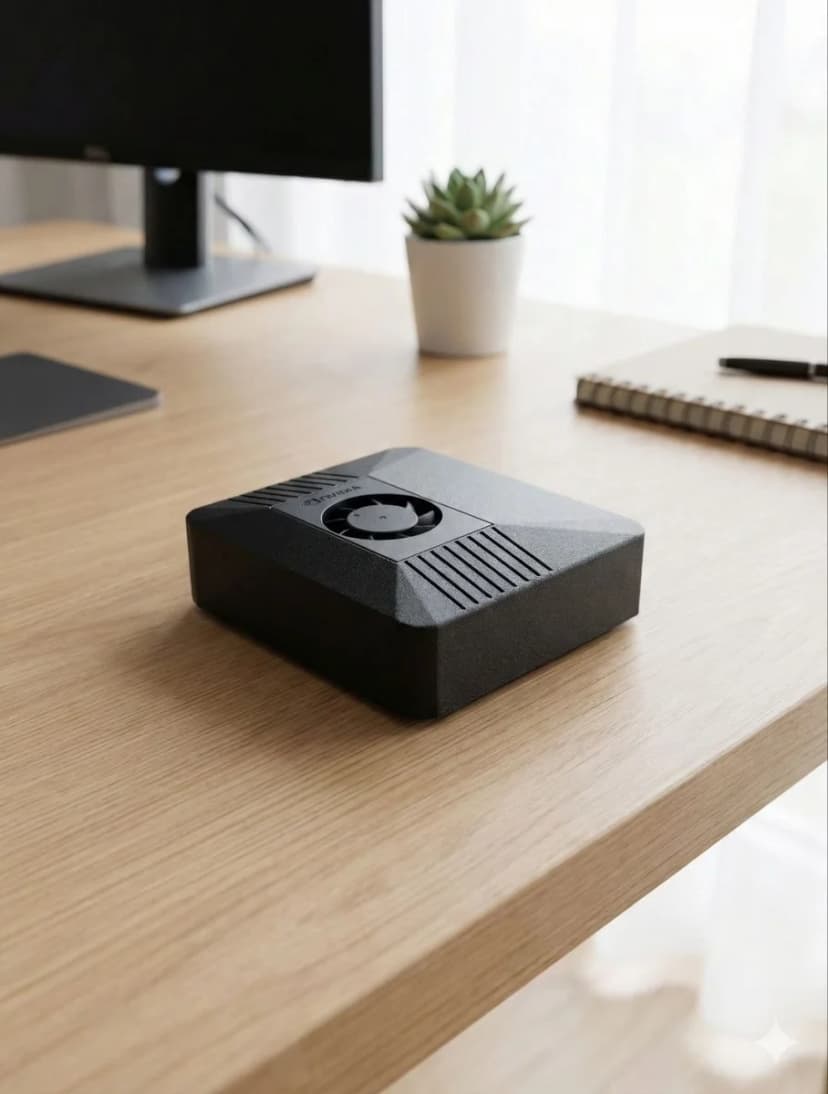
Carbon color, NVIDIA CUDA, klaar in 5 minuten
Volledige vergelijking
| Feature |  ClawBox ClawBox | 🍓 RPi 5 |
|---|---|---|
| 🧠AI-prestaties | ✓67 TOPS | ~2 TOPS (alleen CPU) |
| 🎮GPU | ✓1024-core NVIDIA Ampere | VideoCore VII (geen CUDA) |
| 💾Geheugen | ✓8GB LPDDR5 (uniform) | 8GB LPDDR4X |
| 📀Opslag | ✓512GB NVMe SSD inbegrepen | microSD (apart te kopen) |
| 🤖7B LLM draaien | ✓~5 tokens/sec | ~0,5 tokens/sec |
| ⚙️CUDA-ondersteuning | ✓Volledige CUDA-toolkit | Geen |
| ⚡Stroomverbruik | 15-25W | ✓5-12W |
| 💰Totale prijs | €549 (compleet) | ✓~€150+ (bord + extra's) |
| 📦Vooraf geconfigureerd | ✓Ja, out of the box | Handmatige installatie vereist |
| 💬Berichten | ✓Telegram · WhatsApp · Discord | Handmatige installatie |
| 🌐Browserautomatisering | ✓Volledige snelheid | Langzaam / beperkt |
| 🎙️On-device stempijplijn | ✓Whisper STT + Kokoro TTS op tensorkernen | Te langzaam voor realtime |
| 📡Connectiviteit | ✓Dual-band WiFi + Bluetooth 5.0 | WiFi + BT (heeft soms HAT nodig) |
| 🏗️Behuizing | ✓Carbon color inbegrepen | Apart te kopen (plastic) |
Kies ClawBox
Dedicated AI-professional
- ✓ U een dedicated AI-assistent wilt die 24/7 draait
- ✓ U lokale LLM-inferentie nodig heeft (privacy-first)
- ✓ U plug-and-play wilt, niet uren configuratie
- ✓ U CUDA nodig heeft voor ML/AI-werklasten
- ✓ U echte GPU-versnelde AI wilt, geen CPU-inferentie
Kies Raspberry Pi
Algemene server
- ✓ Budget is de topprioriteit
- ✓ U alleen cloud-gebaseerde AI nodig heeft (API-aanroepen)
- ✓ U een algemene server wilt (Pi-hole, Home Assistant)
- ✓ Laagst mogelijk stroomverbruik het belangrijkst is
Compare Raspberry Pi against the full OpenClaw hardware field
Raspberry Pi is only one end of the spectrum. For the full picture, including ClawBox, Mac Mini, cloud VPS setups, and what counts as the best OpenClaw hardware for different budgets, continue to the main hardware guide.
See the best hardware for OpenClawFrequently Asked Questions
How much faster is ClawBox than a Raspberry Pi 5 for local AI?▼
ClawBox is built on the NVIDIA Jetson Orin Nano Super, which delivers about 67 TOPS of AI compute from a 1024-core Ampere GPU. The Raspberry Pi 5 has no AI accelerator and manages roughly 2 TOPS on its CPU — so ClawBox has about 33× more AI compute. In practice, running Llama 3.1 8B, ClawBox produces around 5 tokens/sec versus roughly 0.5 tokens/sec on a Pi 5, which is the difference between a usable assistant and an unusably slow one.
What AI models can a Raspberry Pi 5 run, and what can ClawBox run?▼
A Raspberry Pi 5 can technically load small quantized models (1B–3B parameters like Gemma 2B or Phi-3 Mini) but only at painfully slow speeds, and 7B–8B models are effectively impractical. ClawBox runs Llama 3.1 8B, Mistral 7B, Phi-3, and Gemma at usable speeds on its GPU, plus Whisper Large v3 for speech-to-text and Kokoro TTS for voice — all on-device with CUDA acceleration.
Does the Raspberry Pi 5 have CUDA or GPU acceleration for AI?▼
No. The Raspberry Pi 5 uses a VideoCore VII GPU that is designed for display and basic graphics, not AI inference, and it does not support CUDA. That means most AI frameworks fall back to CPU-only inference on a Pi. ClawBox's NVIDIA Jetson GPU supports CUDA, so Ollama and other tooling can offload model inference to 1024 GPU cores for dramatically faster, more efficient results.
What is the real total cost of a Raspberry Pi 5 AI build vs ClawBox?▼
A Raspberry Pi 5 AI setup is not just the €80 board. By the time you add an NVMe drive (~€35), a case (~€15), a power supply (~€12), and an SD card (~€8) you are around €150 — plus 3–5 hours of assembly, flashing, and configuration, and you still end up with only ~2 TOPS of CPU compute. ClawBox is €549 fully assembled and pre-configured with the GPU, models, and software ready to use out of the box.
When does a Raspberry Pi 5 make more sense than ClawBox?▼
The Raspberry Pi 5 is the better choice when AI is not the goal: lightweight tinkering, GPIO/electronics projects, retro gaming, a low-power home server, or learning Linux on a tight budget. Its low price and minimal power draw are genuine advantages. But if you specifically want to run a capable local AI assistant — chat, coding help, voice, and browser automation at usable speeds — the Pi's ~2 TOPS simply cannot keep up, and ClawBox's 67 TOPS GPU is the right tool.
Klaar om te wisselen?
Stop met vergelijken, begin met bouwen. ClawBox is plug-and-play AI-hardware — klaar in 5 minuten.
✓ Veilige betaling via Stripe