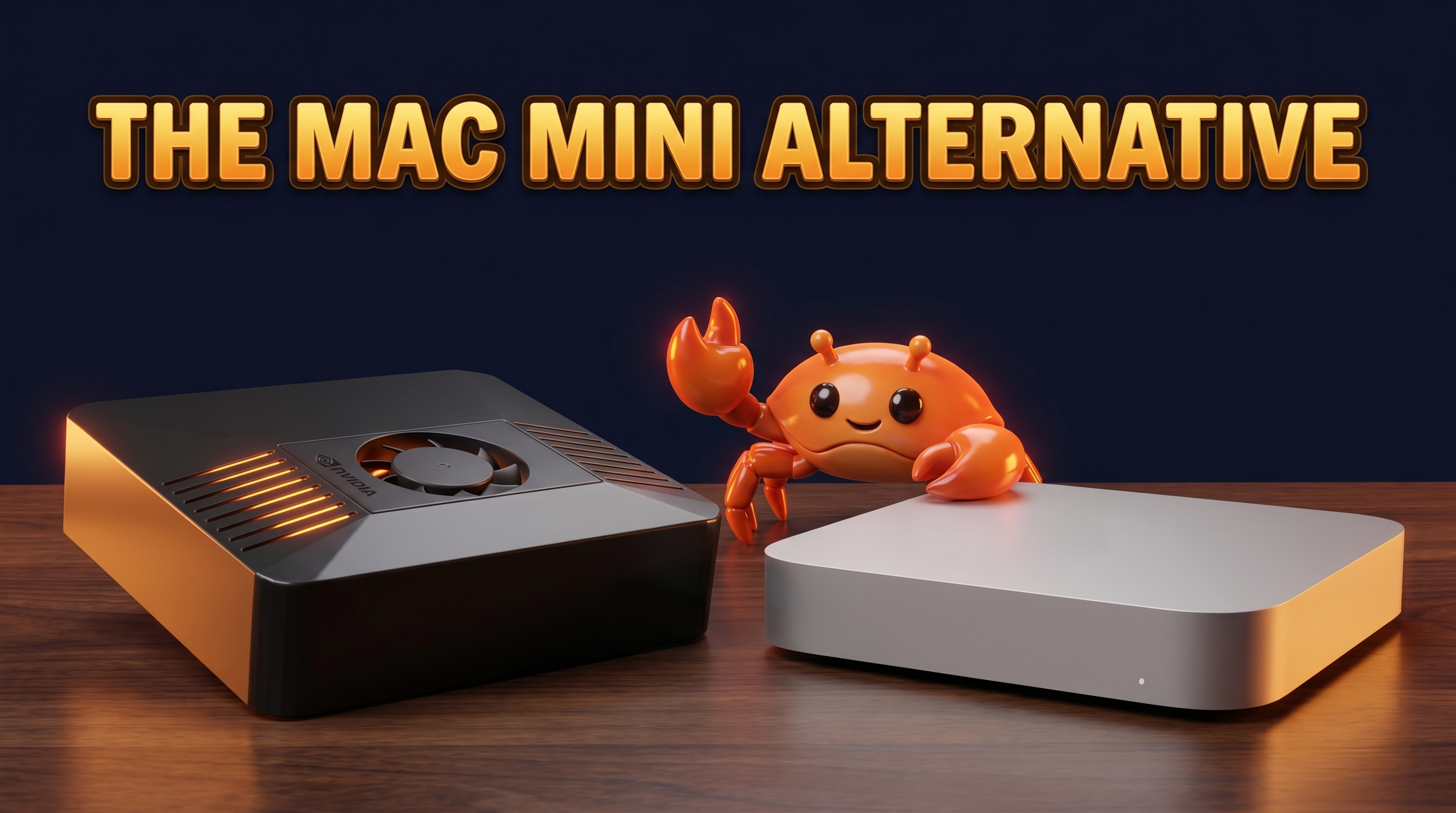
If you're hunting for a Mac mini alternative for OpenClaw and local AI, you're in good company. The Mac mini is the machine a lot of people reach for when they want a small, quiet box that sits on a shelf and just runs. It's a genuinely good little computer. But "good little computer" and "purpose-built always-on AI agent host" are not the same thing — and once you actually run OpenClaw 24/7, the gaps start to show.
This post is a fair comparison. I run ID ROBOTS, the company that makes ClawBox, so I have a side here. I'll be upfront about where the Mac mini wins and where a dedicated box like ours makes more sense.
Why people consider a Mac mini for OpenClaw
It's easy to see the appeal. The Mac mini is small, near-silent, and surprisingly capable for its size. Apple Silicon brought unified memory, which is genuinely useful for local AI — the CPU and GPU share one fast memory pool, so you're not constantly shuffling data around. For running small local language models, that architecture punches above its weight.
It's also a known quantity. macOS is familiar, the build quality is excellent, and a Mac mini doubles as a real desktop when you're not using it as a server. If you want one box that browses the web, edits photos, and runs an AI agent on the side, the Mac mini is a reasonable pick. People aren't wrong to consider it.
Where the Mac mini falls short for an always-on AI agent
The trouble starts when the Mac mini stops being a desktop and becomes a server you never turn off. That's a different job, and the Mac mini wasn't designed for it.
Price. A Mac mini typically starts around several hundred euros, and the moment you want more storage or memory the price climbs fast. Apple's storage and RAM upgrades are notoriously expensive, and you can't add them later — what you buy is what you keep.
Idle power. An AI agent host runs around the clock, so idle draw matters more than peak performance. A Mac mini draws more idle power than a 15W box. It's efficient for a desktop, but it's still a desktop. Over a year of 24/7 operation, that difference shows up on your electricity bill.
macOS for headless server use. OpenClaw runs best as a headless Linux service — no monitor, no desktop session, just a process that's always up. Running macOS headless is possible but awkward; the OS expects a logged-in user, and Apple's licensing and update model assume an interactive desktop, not an unattended appliance.
Not built to be left alone. A Mac mini wants to be tended: OS updates that nag for restarts, a desktop session that prefers to be logged in, power settings that lean toward sleep. A 24/7 unattended agent should boot, run, and recover on its own without a human babysitting it.
None of this makes the Mac mini bad. It makes it a general-purpose computer being asked to do an appliance's job.
ClawBox: a purpose-built Mac mini alternative
ClawBox is what you get when you design the box for this one task instead of adapting a desktop to it.
Inside is an NVIDIA Jetson Orin Nano Super: 67 TOPS of AI compute, a 1024-core Ampere GPU, and 8GB of LPDDR5 unified memory — the same shared-memory idea that makes Apple Silicon good at local AI, aimed squarely at edge inference. There's a 512GB NVMe SSD for models and data. It runs Ubuntu 22.04, so it's a real Linux server out of the box.
It draws 7–15W in typical use — roughly €0.80 a month in electricity. It's tiny (100×79×31mm, 275g), silent, and it ships with OpenClaw pre-installed, configured to run always-on and local-first. One-time price: €549, no subscription.
On that 8GB / 67-TOPS class you can run local 7–8B models comfortably, which covers a lot of real OpenClaw work: messaging across Telegram, WhatsApp, Discord and web; browser automation; scheduled tasks; on-device voice; email and calendar. When you need a bigger model, OpenClaw routes to the cloud with your own keys (BYOK) — local-first, cloud-when-it-counts.
I wrote a deeper cost comparison in our ClawBox price breakdown vs Mac mini and cloud if you want the numbers in full. The short version: a purpose-built box costs less up front, less to run, and less to think about.
Mac mini vs ClawBox: side by side
| Spec | Mac mini (typical) | ClawBox |
|---|---|---|
| Starting price | Several hundred euros, climbs with upgrades | €549 one-time |
| Power draw | More idle power than a 15W box | 7–15W (~€0.80/mo) |
| OS | macOS (desktop-oriented) | Ubuntu 22.04 (Linux server) |
| OpenClaw pre-installed | No | Yes |
| Built for 24/7 headless | Not its design goal | Yes, by design |
| Local AI GPU/NPU | Apple Silicon GPU, unified memory | 1024-core Ampere GPU, 67 TOPS, 8GB unified |
| Size | Small desktop | 100×79×31mm, 275g |
For the Mac mini column I've kept things approximate on purpose — Apple's lineup and pricing shift, and I'd rather be fair than quote a number that's stale next month.
Which should you pick?
Pick a Mac mini if you want a general-purpose desktop that can also dabble in local AI. If you'll use it for everyday computing, video, development, and an occasional agent task, it's a fine machine and you'll get your money's worth from the whole computer.
Pick a ClawBox if you specifically want an always-on OpenClaw and local-AI box at the lowest sensible cost and power. If the job is "run my AI agent 24/7, quietly, in a corner, without me touching it," that's the entire reason ClawBox exists. You're not paying for a desktop you won't use as a desktop.
We explain the philosophy behind that choice in why we built ClawBox, and you can compare the wider field on our best hardware page.
Frequently asked questions
Is a Mac mini good for OpenClaw?
It can run OpenClaw, yes — Apple Silicon and unified memory handle small local models well. The catch is that you'll be running a desktop OS as a headless 24/7 server, which it isn't designed for, and paying desktop prices and desktop idle power to do it.
What's a cheaper alternative to a Mac mini for AI?
A purpose-built edge box like ClawBox at €549 with 7–15W power draw is cheaper both up front and to run than a Mac mini configured as an always-on AI host. See the ClawBox price page for the full breakdown.
Can ClawBox replace a Mac mini?
For the always-on AI agent role, yes — that's exactly what it's built to do, with OpenClaw pre-installed and a Linux server OS. It is not a general desktop replacement; you won't edit video or browse on it. If you need both jobs, that's a point in the Mac mini's favor.
How much does it cost to run ClawBox 24/7?
At 7–15W typical draw, roughly €0.80 a month in electricity. A Mac mini draws more idle power, so the running cost is higher over a year of continuous operation.
Does ClawBox need the cloud?
No. It runs local-first and can do real OpenClaw work — messaging, browser automation, scheduled tasks, voice — on local 7–8B models. You can optionally route heavier tasks to cloud models with your own API keys (BYOK).
Is ClawBox a fair comparison to a Mac mini on raw performance?
On general desktop benchmarks, a Mac mini is the more powerful all-rounder. On AI-host efficiency — TOPS per watt, cost per always-on month, headless server readiness — ClawBox is built for the job and the Mac mini isn't.
The honest bottom line
The Mac mini is a great little computer. If you want a desktop, buy one. But if what you actually want is a quiet box that runs your OpenClaw agent around the clock for the cost of a coffee per month in power, you want a machine designed for exactly that — not a desktop pressed into service.
That's ClawBox: 67 TOPS, 8GB unified memory, 512GB NVMe, 7–15W, OpenClaw pre-installed, €549 one-time, no subscription.
See it for yourself at clawbox.tech, or check the full pricing and decide. Either way, buy the box that fits the job.