You want an AI assistant that answers your questions, drafts your text, and reasons over your files — but you do not want every prompt streamed to someone else's servers. An offline AI assistant makes that possible: a capable model running on hardware you own, where your prompts and data never leave the device. This guide explains what is genuinely achievable offline today, where the privacy gains are real, and the honest limits you should plan around before you unplug from the cloud.
What an Offline AI Assistant Actually Is
An offline AI assistant is an open-weight language model running entirely on local hardware — no network call required to generate a response. Instead of sending your text to a remote API, the model weights live on your machine, and inference happens on a local GPU or AI accelerator.
The last two years made this practical for ordinary hardware. Open-weight model families like Llama, Qwen, Mistral, and Gemma ship in compact sizes (roughly 3B to 14B parameters) that are quantized to fit in 6–10 GB of memory. Paired with a runtime such as Ollama or llama.cpp, these models answer questions, summarize documents, write and refactor code, and hold a conversation — all on a device sitting on your desk.
The key distinction: an offline AI assistant does not depend on the cloud to function. It can still reach out to a frontier API when you choose, but its baseline operation is fully local.
The Privacy Benefit Is Real and Concrete
The strongest reason to run an offline AI assistant is privacy, and here the benefit is not marketing — it is architectural. When inference runs locally, your prompt is processed on your own silicon and the response is generated there too. Nothing is transmitted, logged on a third-party server, retained for training, or exposed to a provider's outage or breach.
That matters for anyone handling material they would not paste into a public chatbox: client records, legal drafts, medical notes, proprietary source code, financial models, or simply personal correspondence. With a local model, the privacy boundary is the box itself. You are not trusting a policy promise that data "won't be used for training" — the data physically never leaves.
This is why a local-first approach appeals to people building a private AI setup at home or in a small office. The trust model collapses from "many parties and a network" down to "the hardware in front of me."
What Is Realistically Possible Offline
Set expectations correctly and an offline AI assistant is genuinely useful for daily work. On modern local hardware you can reliably expect:
- Conversational Q&A and reasoning with a 7B–14B model that handles most everyday prompts competently.
- Document summarization and drafting — feed in notes, emails, or reports and get clean output.
- Coding help — completion, explanation, and refactoring with code-tuned models.
- Retrieval-augmented generation (RAG) over your own files, so the assistant answers from your documents while everything stays local.
- Automation and agent workflows that run scripts, manage tasks, and chain steps without a cloud dependency.
The quality gap between a good local model and a frontier cloud model has narrowed sharply for these bread-and-butter tasks. For summarizing a meeting, drafting a reply, or fixing a function, a well-chosen local model is often indistinguishable from the cloud — and it never sends your content anywhere.
The Honest Limits You Should Plan Around
A responsible look at offline AI also names the trade-offs. Local models are not frontier models, and pretending otherwise sets you up for disappointment.
- Raw capability ceiling. The largest, most capable models (the ones behind the leading cloud assistants) have hundreds of billions of parameters and will not fit on consumer hardware. For the hardest reasoning, the most nuanced writing, or specialized domain depth, a frontier cloud model still wins.
- Context window. Local models on modest memory typically run shorter context windows. Feeding an entire codebase or a 300-page document in one shot is where local setups strain.
- Speed under load. Throughput depends on your accelerator. A small efficient device gives comfortable interactive speed for a single user, but it is not a data-center serving thousands of tokens per second.
- Maintenance. You own the updates — pulling new model versions, managing storage, and tuning the runtime are now your job, not a vendor's.
The honest framing is local-first with optional cloud: run everything you can locally for privacy and independence, and reach for a frontier API only on the rare task that genuinely needs it.
Choosing Hardware That Makes It Practical
The thing that turns offline AI from a tinkering project into a dependable assistant is the right hardware. A general-purpose laptop CPU can run small models, but slowly and with battery and heat costs. A dedicated AI accelerator changes the experience — fast responses, quiet operation, and the ability to leave it running.
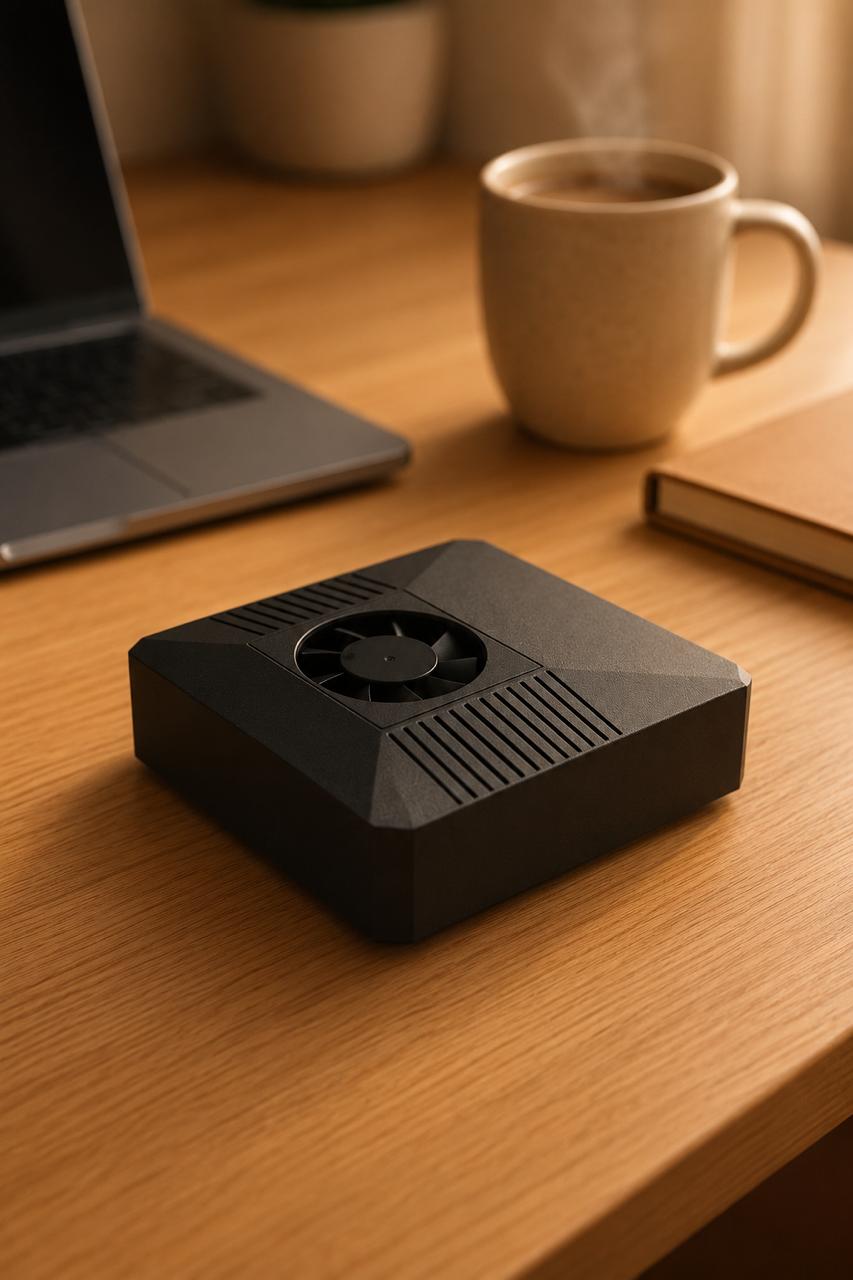
This is where the ClawBox fits as a guide rather than the hero of your setup. It is built on the NVIDIA Jetson Orin Nano Super (8GB), pairing 67 TOPS of AI compute with a 512GB NVMe drive in a compact unit that draws only about 20W — efficient enough to run continuously. It ships with OpenClaw pre-installed, so the local model stack and assistant runtime are configured out of the box rather than assembled by hand. The design is deliberately local-first with optional cloud: your prompts run on the device by default, and you can route a query to a frontier model like Claude when you decide a particular task warrants it. It is a one-time purchase of €549.
If you are weighing options, the comparisons of local AI hardware and the best hardware for running models locally are a sensible place to calibrate what a given TOPS and memory budget gets you in practice.
FAQ
Can an offline AI assistant really run with no internet at all? Yes. Once the model weights are downloaded, inference runs entirely on the local device. You only need a network connection to fetch model updates or, optionally, to call a cloud model when you explicitly choose to.
Will a local model be as good as a frontier cloud model? For everyday tasks — summarizing, drafting, coding help, Q&A — a good 7B–14B local model is often close enough that the difference is hard to notice. For the hardest reasoning or very large context, frontier cloud models still lead, which is why a local-first setup keeps the cloud as an option.
Does keeping things local really protect my privacy? Yes, structurally. When the model runs on your hardware, prompts and data are processed on-device and never transmitted. The privacy boundary is the machine itself rather than a provider's data-retention policy.
Get Started
An offline AI assistant gives you something the cloud cannot: an assistant whose answers come from hardware you control, with prompts that never leave your desk. Run what you can locally, reach for the cloud only when a task truly demands it, and keep the privacy boundary firmly on your side.
If you want a ready-made, local-first setup that does this out of the box, see how ClawBox is built for private, on-device AI — and explore the docs to understand exactly what runs where.