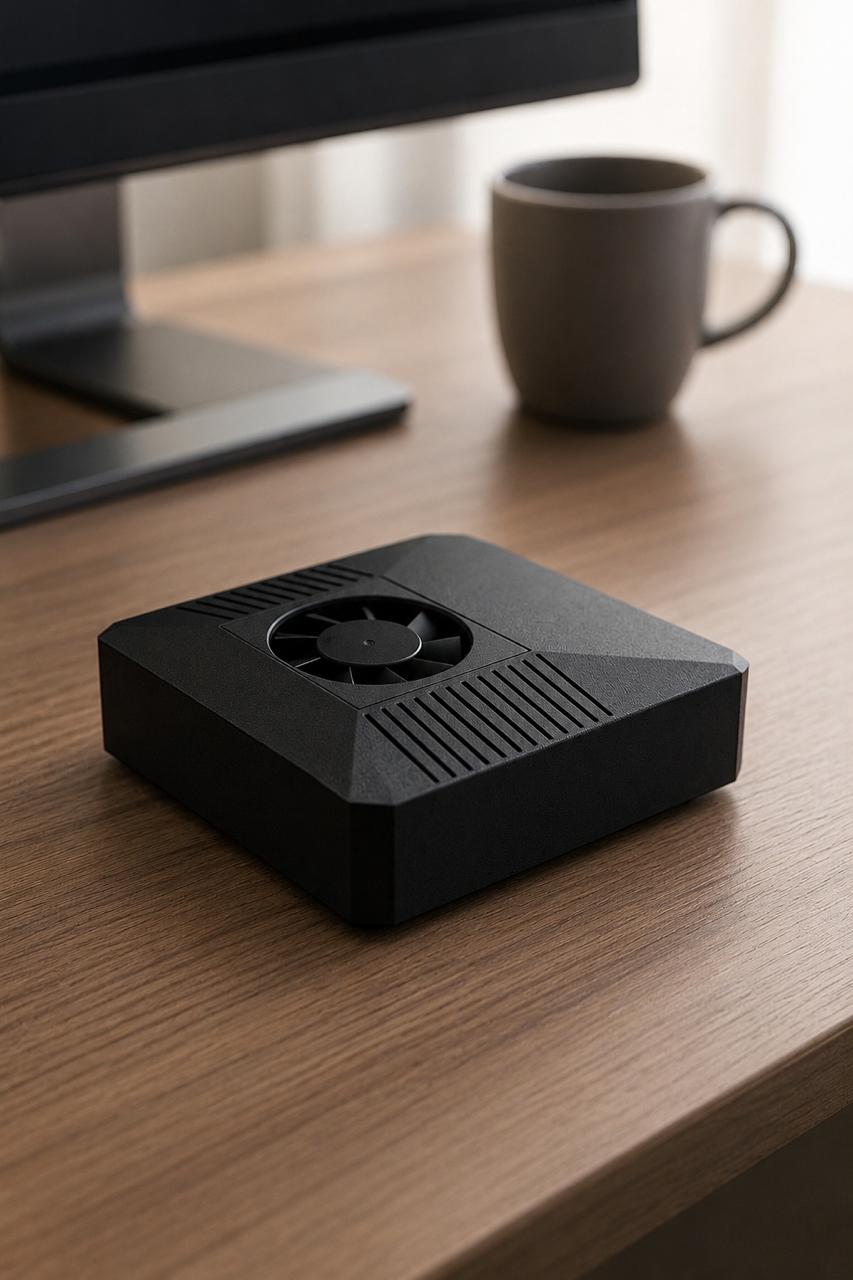
Self hosted AI means running your assistant on a computer you control instead of renting time on someone else's servers. For a growing number of developers, tinkerers, and small teams, that shift is becoming the obvious choice. When your model and your data live under your own roof, you decide what gets stored, what leaves the building, and how the whole thing behaves. This guide walks through why self hosted AI is worth considering, where it genuinely shines, where it asks more of you, and who it actually suits.
You are the one running the show here. The goal of this article is to give you a clear, honest map so you can decide whether owning your AI stack fits your life, your work, and your budget.
What "Self-Hosted AI" Actually Means
A self hosted AI setup runs the language model and the agent software on local hardware: a machine on your desk or in your rack. Requests don't have to travel to a third-party API to get a response. Many practical builds are local-first with optional cloud, meaning routine work happens on-device and you can still reach out to a frontier model like Claude when a task needs more horsepower.
That hybrid is the sweet spot for most people. You keep everyday queries, file access, and automation private and fast, while keeping a door open to the cloud for the heavy lifting. You're not forced into an all-or-nothing decision.
The Real Benefits
Privacy and Data Control
The clearest win is that your inputs stay with you. Notes, code, customer details, and personal documents never need to be sent to an external service for routine processing. If you handle anything sensitive, that boundary matters. You set the retention rules, and there's no opaque pipeline deciding what to log. For many readers this single point is the reason they look into private AI in the first place.
Control Over Your Stack
When you own the hardware, you own the choices. You pick the models, swap them when better ones ship, tune system prompts, and wire the assistant into your own tools and scripts. Nothing changes underneath you without your say-so. There's no surprise deprecation of the exact model your workflow depends on, because you decide when to upgrade.
Latency That Stays Predictable
Local inference doesn't depend on a round trip across the internet or on how busy a provider's servers are that afternoon. For short, frequent interactions, responses feel immediate and consistent. Predictability is often more valuable than raw peak speed, especially when the assistant is part of an everyday loop.
Cost That Levels Off Over Time
Per-call pricing scales with how much you use it. Owning the hardware flips that math: you pay once for the machine and your ongoing cost is mostly electricity. A low-power appliance pulling around 20 watts is cheap to leave running. Heavy daily users tend to feel this difference the most, since their workload would otherwise rack up metered charges month after month.
The Honest Trade-Offs
Self hosted AI is not free of friction, and pretending otherwise would do you a disservice.
Setup effort. A do-it-yourself build means choosing components, installing drivers, configuring the runtime, and getting the agent software talking to your models. None of it is exotic, but it takes time and a willingness to read documentation. If you enjoy that, it's part of the fun. If you don't, it's a real cost.
Ongoing maintenance. You become the operator. Updates, the occasional broken dependency, storage management, and backups land on your plate. It's modest for a single appliance, but it's not zero.
Model limits on local hardware. A compact local device runs efficient, quantized models very well, and those are more than capable for assistants, coding help, summarization, and automation. They are not the same as the largest frontier models. This is exactly why a local-first with optional cloud design is sensible: keep the bulk of work local, and route the rare task that needs a giant model to a service like Claude.
Going in with clear eyes on these three points is the difference between a setup you love and one that gathers dust.
The Appliance Route vs DIY
You have two honest paths to self hosted AI.
The DIY route gives you maximum flexibility and the satisfaction of building it yourself. You source parts, assemble, and configure everything. It's rewarding, and it's the right call if customization is the whole point for you.
The appliance route trades some of that flexibility for a setup that's ready out of the box. ClawBox is one example: an NVIDIA Jetson Orin Nano Super with 8GB of memory, a 512GB NVMe drive, and 67 TOPS of compute in a package that draws roughly 20 watts. It ships with OpenClaw pre-installed, so the agent layer is already wired up. It's local-first with optional cloud, runs as a one-time €549 purchase, and is built to sit quietly and run all day. If you'd rather skip the assembly and driver wrangling and get straight to using your assistant, the appliance path saves you the setup phase. You can compare the hardware tradeoffs in more depth on the best hardware guide.
Neither path is "better" in the abstract. The DIY builder values the journey; the appliance buyer values the destination. Knowing which you are makes the decision easy.
Who Self-Hosted AI Actually Suits
This isn't for everyone, and that's fine. It fits you well if:
- You care about keeping your data on your own hardware.
- You use an assistant often enough that metered costs add up.
- You want a stable stack that won't shift under your feet.
- You like the idea of an always-on assistant wired into your own tools.
It's a weaker fit if you only reach for an assistant occasionally, never touch sensitive data, and would rather not own any hardware at all. In that case a hosted service may serve you just fine. Being honest about your usage pattern is the best filter.
If you're leaning toward owning your setup, the Jetson-based approach and the broader local AI hardware overview are good next reads, and the docs cover the practical details.
FAQ
Does self-hosted AI mean I can never use cloud models? No. A sensible setup is local-first with optional cloud. Day-to-day work runs on your hardware, and you can still call a frontier model like Claude when a task genuinely needs it. You get privacy and control by default, with a fallback for the heavy jobs.
Can a small local device really run a useful assistant? Yes. Efficient, quantized models run well on compact hardware like a Jetson Orin Nano Super and handle assistant tasks, coding help, summarization, and automation comfortably. They aren't the largest frontier models, which is precisely why the optional-cloud door stays open.
How much maintenance does it take? For a single appliance, it's modest: occasional updates, backups, and storage housekeeping. A pre-configured appliance with the software already installed removes most of the initial setup burden, leaving light ongoing upkeep.
Ready to Own Your Assistant?
Self hosted AI puts privacy, control, predictable latency, and leveling costs in your hands, with honest trade-offs in setup and maintenance you go in knowing about. If owning your stack sounds right, take a look at what an appliance approach offers and decide your path at clawbox.tech.