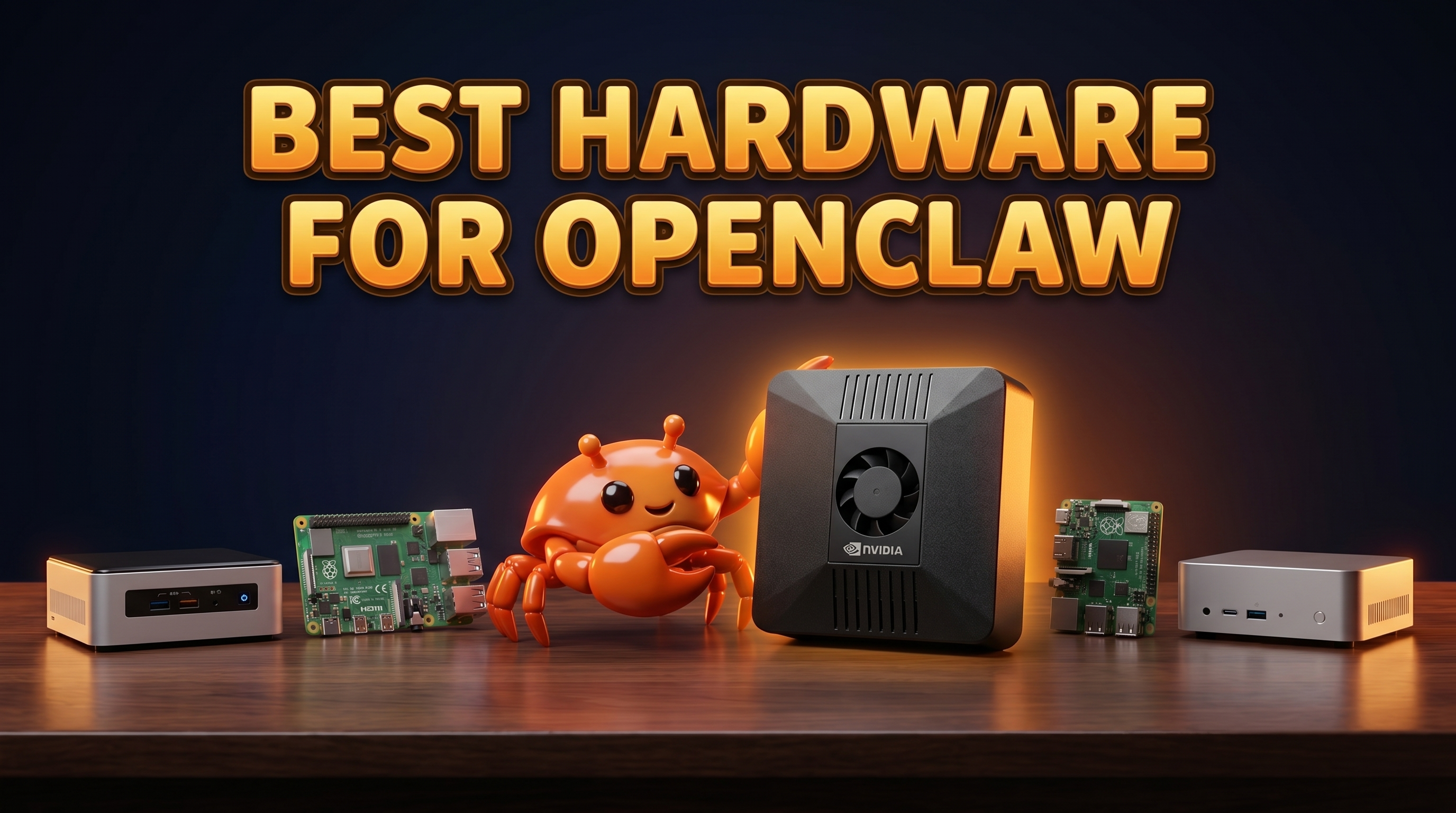
Picking the best hardware for OpenClaw comes down to one question: do you want a box that quietly runs your AI assistant 24/7 without you babysitting it, or do you want a project you tune yourself? OpenClaw is a source-available, local-first AI assistant — it does messaging, real-Chrome browser automation, scheduled tasks, on-device voice, and local LLM inference with optional cloud routing. That mix of always-on services and local models shapes what kind of machine you actually need. Below I'll walk through the realistic options, compare them honestly, and tell you what I'd buy.
What to look for in OpenClaw hardware
OpenClaw isn't a heavy desktop app you open when you need it. It's a persistent service. That changes the priorities:
- Always-on, low power. It runs continuously, so a machine that idles at single-digit watts beats a power-hungry tower. You're paying the electricity bill every hour of every day.
- Enough RAM. The minimum is 4GB, but 8GB or more of unified memory is the sweet spot — especially if you want to run a local 7-8B model like Llama 3.1 8B, Mistral 7B, or Gemma alongside the assistant's other services.
- A GPU for local models. Local inference is dramatically better with a CUDA GPU or a Jetson. Without one, you lean on cloud routing (Claude/GPT/Gemini via your own keys), which works well but means that part of the work runs in the cloud rather than on your device.
- An SSD, ideally NVMe. Models, logs, browser state, and scheduled-task data all want fast storage.
- Runs Linux headless. OpenClaw is happiest on Linux running without a monitor, reachable over the network. You don't want a device that fights you about running unattended.
Keep those five in mind and most of the buying decision makes itself.
The options compared — the best computer for OpenClaw
Raspberry Pi 5
Strengths: Cheap (from ~€80), tiny, sips power, and the Pi community has solved every Linux-headless problem you'll hit. Great for the always-on messaging, scheduling, and email/calendar side of OpenClaw.
Weaknesses: No real GPU for local LLM inference. An 8GB Pi can technically run small models, but it's slow and tight once OpenClaw's other services are also resident. You'll be relying on cloud routing for anything serious. Fine as a starter; you'll outgrow it if you want local AI.
Intel N100 / mini PC
Strengths: The N100 class (from ~€150) is the value champion for the non-GPU path. Plenty of x86 compatibility, 16GB RAM is easy to fit, low idle power, NVMe slots standard. Runs headless Ubuntu without drama and handles all of OpenClaw's services comfortably.
Weaknesses: Integrated graphics only — no CUDA. Local 7-8B models run on CPU, which is usable but not fast. If you mainly route to cloud models and want a cheap, reliable always-on host, this is a strong pick. If you want fast local inference, it's the wrong tool.
NVIDIA Jetson Orin Nano
Strengths: This is the one device on the list built for edge AI. It has a real Ampere GPU and the TOPS to run local 7-8B models at a genuinely useful speed, all in a low-power envelope. This is exactly the hardware class OpenClaw's "recommended" spec points at.
Weaknesses: Buying the dev kit (from ~€250+) and turning it into a finished, hardened, always-on appliance is real work — flashing JetPack, configuring CUDA, setting up OpenClaw and all its services, keeping it updated. The capability is there; the assembly is on you. (If you want to go this route, our Jetson Orin Nano AI assistant guide walks through it.)
Mac mini (M-series)
Strengths: Fast, quiet, excellent unified memory bandwidth, and the M-series chips are genuinely good at local inference. As a desktop it's lovely.
Weaknesses: It's the most expensive option (from ~€700), it's built for macOS rather than headless Linux, and it idles at more power than the tiny ARM boxes. You're paying for a polished desktop computer to do a job a €549 appliance does. We did a full cost breakdown here: ClawBox price vs Mac mini and cloud.
Cloud VPS
Strengths: Zero hardware to own, instant to provision, scales on demand. Good if you have no local network or just want to try OpenClaw.
Weaknesses: It's the opposite of local-first. Your data lives on someone else's machine, GPU instances get expensive fast, and the monthly bill never stops — unlike a one-time purchase. For an assistant whose whole pitch is privacy and on-device processing, renting cloud somewhat defeats the point. We compared the tradeoffs in edge AI vs cloud AI.
ClawBox
Strengths: ClawBox is the purpose-built option — it's a Jetson Orin Nano Super (67 TOPS, 1024-core Ampere GPU, 6-core Arm Cortex-A78AE, 8GB LPDDR5 unified memory, 512GB NVMe) with OpenClaw pre-installed and configured to run always-on and local-first out of the box. It draws 7-15W typically (roughly €0.80/month in electricity), fits in your hand at 100×79×31mm and 275g, and runs Ubuntu 22.04. €549, one time. It's made by ID ROBOTS Ltd.
Weaknesses: I'll be honest — if you love building things, ClawBox removes the fun part. It's the same Jetson silicon a tinkerer could buy and configure themselves. You're paying for the assembly, the pre-installed and maintained OpenClaw stack, and not having to think about it. If "set it up myself" is the goal, buy the Jetson dev kit instead.
Comparison table
| Device | Approx price | Power draw | Local AI (GPU)? | Runs headless 24/7? | Setup effort | OpenClaw pre-installed? |
|---|---|---|---|---|---|---|
| Raspberry Pi 5 | from ~€80 | ~3-8W | No (CPU only) | Yes | Medium | No |
| Intel N100 mini PC | from ~€150 | ~6-15W | No (iGPU only) | Yes | Medium | No |
| Jetson Orin Nano | from ~€250+ | ~7-15W | Yes (CUDA) | Yes | High | No |
| Mac mini (M-series) | from ~€700 | higher idle | Yes (Apple Silicon) | Possible, not ideal | Medium | No |
| Cloud VPS | from ~€10+/mo | n/a (rented) | GPU = pricey | Yes | Low-Medium | No |
| ClawBox | €549 one-time | 7-15W (~€0.80/mo) | Yes — 67 TOPS, 1024-core Ampere | Yes | None | Yes |
Our recommendation
For most people who want OpenClaw to just work — local models running fast, always-on, privacy intact, no weekend lost to JetPack flashing — ClawBox is the answer. You get the right Jetson silicon for the job, OpenClaw already installed and tuned, single-digit-watt power draw, and a one-time price instead of a forever cloud bill.
If you're a tinkerer, the honest answer is different: buy a Jetson Orin Nano dev kit if you want fast local inference and don't mind the setup, or an Intel N100 mini PC if you mainly route to cloud models and want a cheap, dependable host. Both are great DIY paths — they just cost you time instead of money.
See the full lineup on the best-hardware page or check current ClawBox pricing.
Frequently asked questions
What's the best computer to run OpenClaw? For local AI without setup hassle, ClawBox — it's a Jetson Orin Nano Super with OpenClaw pre-installed, 8GB unified memory, and 7-15W power draw for €549. For a DIY build, a Jetson dev kit (local GPU) or an N100 mini PC (cloud-routed) are the best machines to run OpenClaw yourself.
Can a Raspberry Pi run OpenClaw? Yes. An 8GB Pi 5 meets the minimums and handles messaging, scheduling, browser automation, and cloud-routed models fine. It just can't run local 7-8B models quickly — there's no real GPU.
Do I need a GPU for OpenClaw? Only if you want fast local model inference. Without a CUDA GPU or Jetson you can still run OpenClaw and route to cloud models (Claude/GPT/Gemini with your own keys). For local-first, a GPU like the one in ClawBox or a Jetson is the recommended path.
How much RAM does OpenClaw need? 4GB is the minimum. 8GB or more of unified memory is recommended, and it's what lets local 7-8B models (Llama 3.1 8B, Mistral 7B, Gemma) run on the 8GB / 67-TOPS class of hardware.
How much does it cost to run OpenClaw 24/7? On ClawBox, about €0.80/month in electricity at 7-15W. A cloud VPS with a GPU costs far more per month and never stops billing — which is the main reason an owned, low-power device wins for an always-on assistant.
Is the best device for OpenClaw a Mac mini? The M-series Mac mini is fast and good at local inference, but it's built for macOS desktop use, costs from ~€700, and idles hotter than the small ARM boxes. For a dedicated always-on OpenClaw host, the Jetson-based ClawBox does the same job in your palm for less.
Get started
If you want the short version: pick the device that matches how much you enjoy setup. Tinkerers should grab a Jetson Orin Nano or an N100 mini PC and build it. Everyone else should let it just work — ClawBox ships with OpenClaw pre-installed, runs local models on real GPU silicon, sips 7-15W, and costs €549 once. No mandatory cloud subscription, no flashing, no babysitting. Plug it in and your assistant is live.