If you're researching the best hardware for OpenClaw, you've already made the interesting decision: you want an AI assistant that lives on your own machine, not a remote server. The question now is purely practical — which hardware gets you there without wasting money or time?
This article walks through the three realistic paths: an NVIDIA Jetson board, a small x86 mini PC, or a component-level DIY build. We'll be honest about what each option costs, what it can actually run, and where it gets awkward.
Why Hardware Choice Matters for OpenClaw
OpenClaw is a local-first AI agent framework. It runs large language models and tool-use pipelines directly on your device — no cloud inference required for most tasks. When you do want to pull in a frontier model like Claude, OpenClaw lets you add that as an optional cloud provider, but the core workload stays home.
That means the hardware has to carry real compute. A Raspberry Pi won't cut it for anything beyond the smallest quantized models. The sweet spot is a device with dedicated AI acceleration — something measured in TOPS (tera-operations per second) rather than just CPU gigahertz.
Option 1: NVIDIA Jetson — the Best Hardware for OpenClaw if You Want Efficiency
The Jetson family, especially the Orin Nano Super tier and above, is purpose-built for edge AI inference. The Orin Nano Super at 8 GB delivers 67 TOPS of INT8 performance, which is enough to run 7B–13B parameter models at usable speeds, all while drawing roughly 10–20 W at load.
What works well:
- Low idle power — you can leave it on 24/7 without a notable electricity bill
- The Ampere GPU and DLA (deep learning accelerator) are natively supported by frameworks like llama.cpp and Ollama
- Compact form factor; fits on a desk or inside a media cabinet
- OpenClaw's Jetson support is well-tested
What's harder:
- Jetson modules are not plug-and-play in the consumer sense — you get a compute module that needs a carrier board, heatsink, and housing
- Storage is separate; you'll want a fast NVMe drive for model weights
- The ecosystem is developer-oriented, so initial setup takes patience
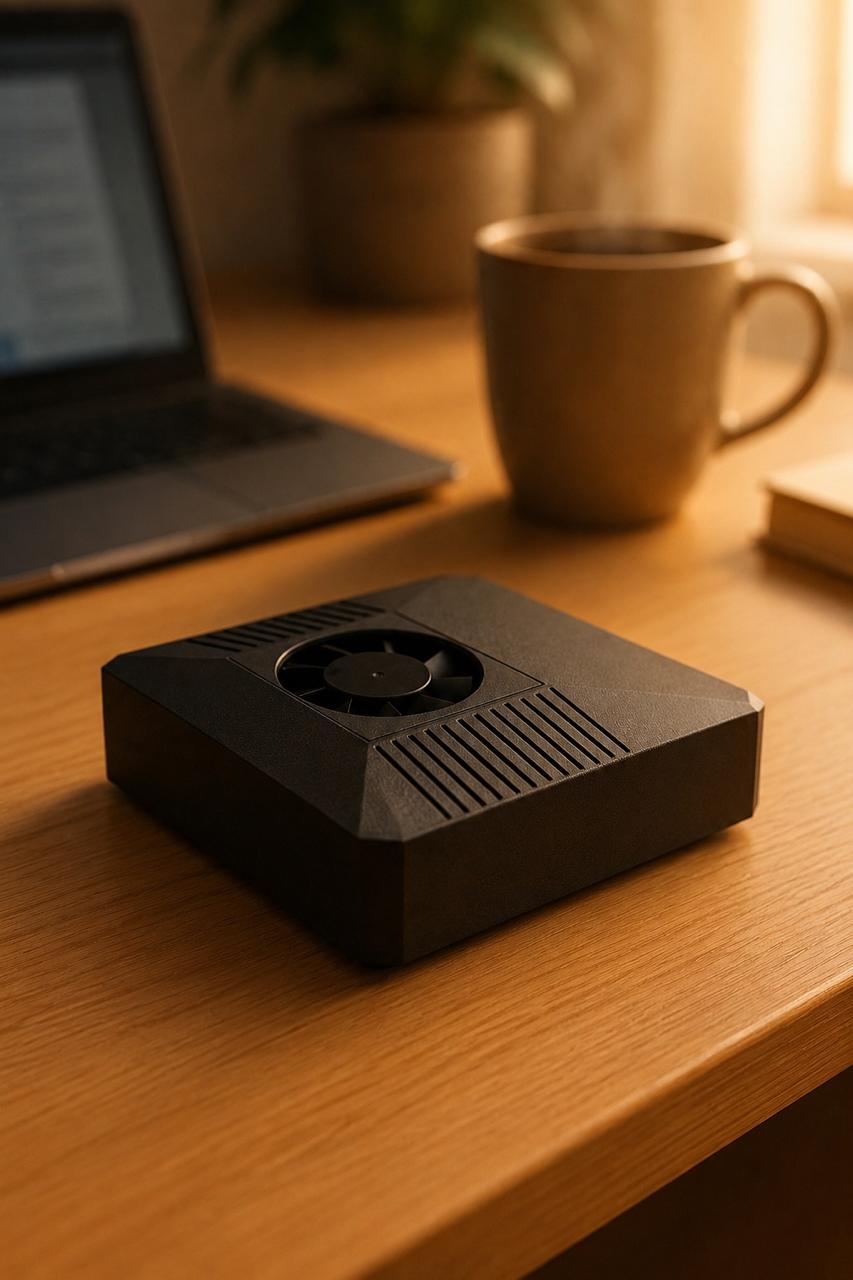
If you want the Jetson experience without the assembly, ClawBox ships with an Orin Nano Super 8 GB, 512 GB NVMe, heatsink, enclosure, and OpenClaw pre-installed for €549 one-time. That's essentially what a well-specced DIY Jetson build lands at anyway — sometimes more — once you add up the carrier board, storage, case, and hours.
Internal link suggestion: What's inside the ClawBox hardware →
Option 2: x86 Mini PC — the Best Hardware for OpenClaw if You Want Flexibility
Small form-factor PCs from Beelink, Minisforum, or similar brands offer a familiar x86 platform. Models with integrated AMD Radeon iGPUs or Intel Arc graphics have improved meaningfully for local LLM inference over the past year.
What works well:
- Standard Linux support — no custom kernel patches required
- You can run the full desktop OS alongside OpenClaw without compromise
- Models like the Minisforum UM890 Pro (AMD Ryzen 9 8945HS, Radeon 780M) can handle 7B models via ROCm or Vulkan backends
- Easy to upgrade RAM and storage
What's harder:
- Integrated graphics on a mini PC offers nowhere near 67 dedicated TOPS; you're competing on raw CPU/iGPU throughput, which is less efficient
- Power draw is higher under load — typically 40–65 W — so always-on operation costs more
- Token generation speed for 13B+ models will be noticeably slower than Jetson-tier dedicated inference hardware
A mini PC makes sense if you already own one, or if you need it to double as a general-purpose Linux desktop. If AI inference is the primary job, you're paying for a lot of compute you won't use efficiently.
Option 3: DIY Jetson Build — the Best Hardware for OpenClaw if You Enjoy Tinkering
Buying a Jetson module (Orin NX, Orin Nano Super) plus a third-party carrier board (Seeed Studio, Waveshare, Connect Tech) and assembling everything yourself gives you maximum control.
What works well:
- You choose exactly the carrier board features you need (PCIe slots, camera headers, GPIO)
- Potential cost savings if you already have some components
- Educational value — you'll understand every layer of the stack
What's harder:
- Carrier boards in the Orin Super tier typically run €150–250; the module itself is €200–350 depending on RAM; add NVMe storage (€60–100), heatsink (€30–60), and enclosure (€30–80)
- Total DIY BOM lands close to — or above — a finished appliance, especially when you factor in time
- JetPack version compatibility, kernel patches, and CUDA path configuration are not trivial; plan for several evenings of setup
For developers who want to learn the Jetson platform deeply, DIY is worth it. For people who want OpenClaw running rather than being configured, it's a longer road than it looks.
Comparing the Three Paths
| Jetson Appliance (ClawBox) | x86 Mini PC | DIY Jetson | |
|---|---|---|---|
| Setup time | Minutes | Hours | Days |
| Dedicated AI TOPS | 67 | ~15–20 (iGPU) | 40–100+ |
| Idle power | ~5–8 W | ~15–25 W | ~5–8 W |
| OpenClaw pre-installed | Yes | No | No |
| Upgrade path | Limited | High | Medium |
| Starting price | €549 | €300–600 | €450–700+ |
The table isn't meant to declare a winner — it maps options to intent. If you want the best hardware for OpenClaw right now with minimal friction, the appliance path wins on setup time and inference efficiency. If you value flexibility or already have hardware, the mini PC or DIY route has merit.
Local-First with Optional Cloud
One thing worth clarifying: "local-first" doesn't mean cloud-never. OpenClaw lets you connect cloud providers like Claude or OpenAI when you need frontier-model capability for a specific task — then routes everything else locally. You stay in control of which workloads leave the device.
This is different from cloud-only setups where you have no local fallback, and different from pure offline setups where you can't access stronger models when the task genuinely needs them. The best hardware for OpenClaw is hardware that makes this hybrid approach practical — which means enough local compute to handle 80–90% of everyday tasks on-device.
Internal link suggestion: How OpenClaw handles local vs cloud routing →
FAQ
Q: What's the minimum RAM to run OpenClaw? OpenClaw itself is lightweight. The limiting factor is the model: 7B models quantized to 4-bit need roughly 4–6 GB of available GPU/unified memory. 8 GB is the practical floor for comfortable operation; 16 GB opens up 13B models.
Q: Can I run OpenClaw on a Raspberry Pi 5? OpenClaw will install, but inference on models larger than 1–3B parameters will be too slow for real-time use. The Pi 5 has no dedicated neural accelerator, so LLM throughput is limited by CPU speed.
Q: Is the Jetson Orin Nano Super the best hardware for OpenClaw at its price tier? For dedicated always-on AI workloads under 20 W, the Orin Nano Super is currently one of the strongest options at its price point. Alternatives like Hailo or Rockchip NPU boards exist but have different software ecosystems and may require more custom integration work with OpenClaw.
Next Step
If you've read this far, you're ready to make a decision. Pick the path that matches your time budget and technical appetite — or skip the research entirely and start using OpenClaw today.