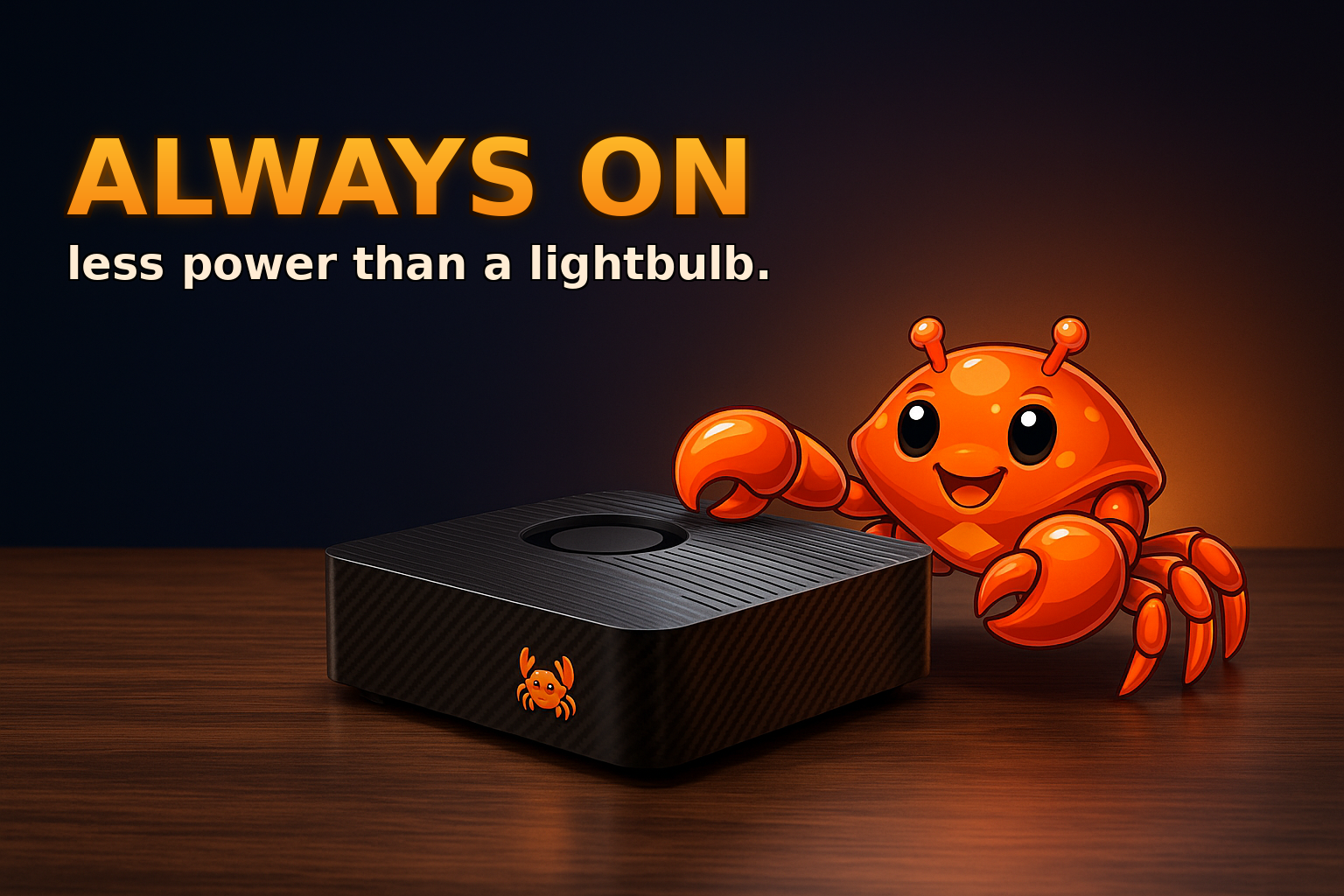
There is a common assumption that running your own AI means a loud tower with a power-hungry GPU, a fan that never stops, and an electricity bill to match. So most people never even consider keeping an AI assistant running around the clock. They reach for a cloud subscription instead, partly because the alternative sounds like running a space heater in the corner of the room.
That assumption is out of date, and it is worth correcting, because "always on" is exactly what makes a personal AI useful. An assistant that only works when you boot a heavy machine is a tool you have to remember to start. An assistant that is simply always there — handling email, running scheduled jobs, answering from your chat app at 3am — is something you actually rely on. The blocker has never been the idea. It has been the belief that always-on must mean power-hungry.
The numbers that change the picture
Modern edge AI hardware sips power. A small board built for on-device inference, like the class of device OpenClaw is designed to run on, draws on the order of a handful of watts in normal use and only briefly more under load. To put that in everyday terms, that is in the same ballpark as an LED light bulb, and a fraction of what a gaming PC or a typical desktop pulls.
Run the year out and it stops being scary. A device averaging a few watts costs single-digit euros a year in electricity. Leaving it on 24/7 is cheaper than the standby draw of some appliances you never think about. The "space heater" mental model simply does not apply to purpose-built edge hardware.
Why low power and always-on go together
Low power is not just a smaller bill. It is what makes continuous operation sensible in the first place:
- It runs silently. Low draw means little heat, which means passive or gentle cooling and no roaring fan. You can leave it on a shelf and forget it is there.
- It is cheap to leave on. When 24/7 costs a few euros a year, there is no reason to ever turn it off, which is the whole point of an always-on assistant.
- It fits anywhere. A small, cool, quiet box lives on a desk, in a cupboard, or behind the TV. It does not need a dedicated rig or a server room.
This is the unlock. Once running continuously is effectively free and silent, the assistant can do the things that only make sense when it never sleeps.
What "always on" actually buys you
A continuously running AI box is not just a chatbot you ping. It is infrastructure:
- Scheduled work. Daily reports, recurring checks, automated posts, backups — tasks that fire on a timer whether or not you are at your desk.
- Reachable anytime. Message it from Telegram, WhatsApp, or the web at any hour and it responds, because it is already running.
- Persistent context. Long-running automations keep their sessions, logins, and state warm instead of starting cold every time.
- Local by default. Because it is your hardware, routine work runs on the device without sending your data out, with the cloud available only when you choose it.
None of this works on a machine you boot when you need it. It only works when the box is always on — which is exactly what low power makes affordable.
Getting started without overthinking it
You do not need to become a hardware enthusiast to benefit from this. The practical path is short:
- Pick a small low-power AI device rather than repurposing a power-hungry PC.
- Put it somewhere it can stay on permanently — it is quiet and cool, so anywhere works.
- Give it one always-on job first: a daily summary, a scheduled post, or an inbox triage.
- Add more jobs once you trust it. The marginal cost of each new task is basically zero.
Starting with one recurring task is the trick. It proves the always-on value immediately, and the electricity cost is so small you will never notice it on the bill.
The takeaway
Running your own AI around the clock is not the energy hog people imagine. Purpose-built edge hardware draws about as much as a light bulb, runs silent, and costs a few euros a year to leave on permanently. That low, quiet, always-on footprint is precisely what turns a personal AI from a tool you start into an assistant you depend on.
OpenClaw is built for exactly this — a small, low-power box you can leave running 24/7, handling scheduled jobs and answering from your chat apps, without the noise, the heat, or the bill you were bracing for.