ClawBox Alternatives,
Compared Honestly.
Every way to run OpenClaw 24/7 — and where each one wins.
Shopping for a dedicated box to run an always-on AI assistant? Here's a straight comparison of Mac Mini, Raspberry Pi, Intel NUC, managed cloud hosting, and DIY GPU desktops — versus ClawBox. No spin: where the alternatives are better, we say so.
Already comparing specifically? See ClawBox vs Mac Mini, vs Raspberry Pi, or vs cloud / VPS.
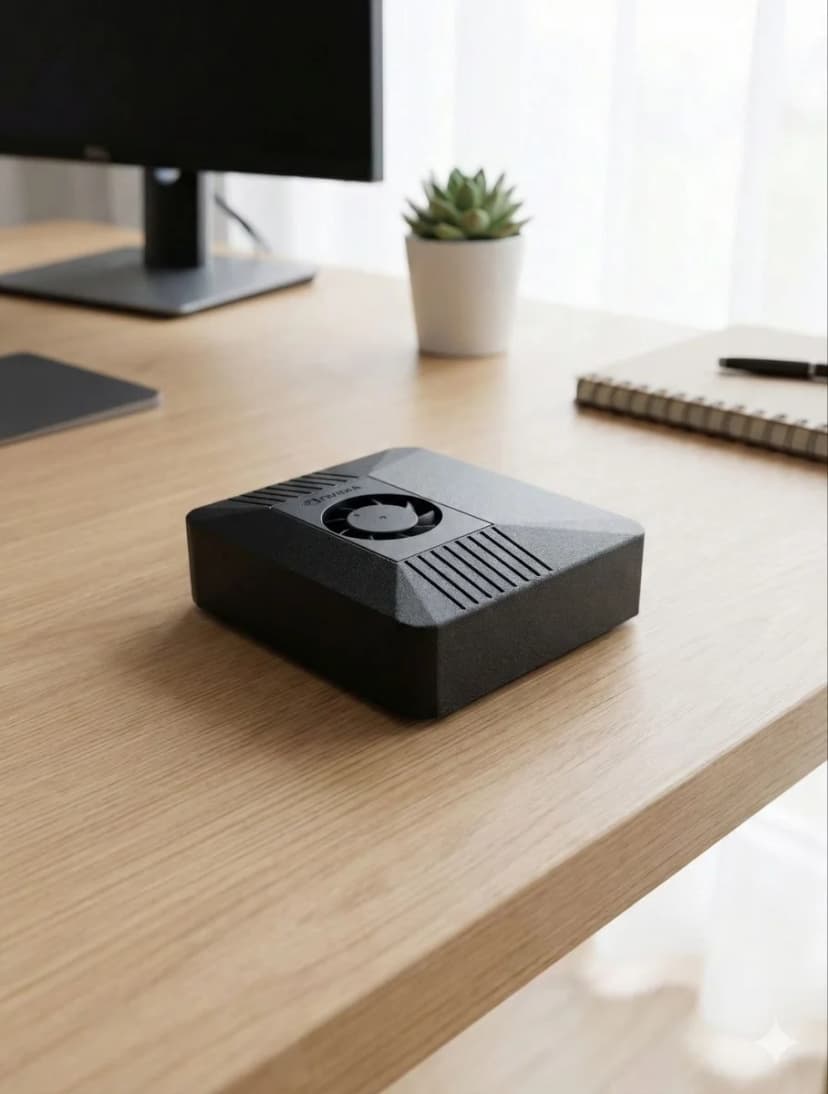
ClawBox Alternatives at a Glance
Six realistic ways to run OpenClaw — side by side.
| Option | Price | Local AI | Power | Setup | Data & IP |
|---|---|---|---|---|---|
| 🦞 ClawBox | €549 one-time | 67 TOPS GPU (on-device) | 15W typical | ~5 min, pre-installed | Your hardware, your IP |
| Mac Mini M4 | €699+ one-time | Neural Engine (macOS) | ~30–50W | DIY — install everything | Your hardware (macOS) |
| Raspberry Pi 5 (8GB) | ~€90 + parts | None (CPU only) | ~10W | DIY — slow for AI | Your hardware |
| Intel NUC | €400–600 | None / iGPU | ~30–65W | DIY — full stack | Your hardware |
| Managed cloud hosting | ~$29–119 / mo forever | No on-device GPU | n/a (their datacenter) | Instant, zero maintenance | Their servers · datacenter IP |
| DIY GPU desktop | €1,500–3,000 | Fast (RTX GPU) | 300–500W | DIY — heavy build | Your hardware |
Prices approximate, 2026. AI-provider/token costs are separate for every option, including ClawBox.
Which Alternative Is Right For You?
🍎 Pick a Mac Mini if…
You want a general-purpose macOS desktop too, you're comfortable installing and maintaining the OpenClaw stack yourself, and budget isn't the constraint.
🥧 Pick a Raspberry Pi if…
You love tinkering, want the cheapest possible entry, and don't need fast on-device AI models — mostly cloud-provider workflows.
☁️ Pick managed cloud hosting if…
You want zero setup and zero maintenance and don't mind a recurring monthly bill, a datacenter IP, and your data living on someone else's servers.
🦞 Pick ClawBox if…
You want it to just work in ~5 minutes, run 24/7 at 15W from your own real IP, keep your data and keys on hardware you own, and pay once (€549) instead of forever.
Where ClawBox Pulls Ahead
The same OpenClaw software — on hardware that's built for it, and yours.
Your real IP
Browser automation runs from your own network — not a datacenter IP that sites block and captcha. This is where cloud and VPS options genuinely lose.
Pay once, own it
€549 one-time. No monthly rental that runs forever. Optional Pro/Max plans add more, but the box is yours.
67 TOPS on-device
A real NVIDIA GPU runs local models like Llama 3.1 8B. Most alternatives are CPU-only or cloud-only.
Data stays home
Files, automations, keys, and browser sessions live on your hardware. Use cloud AI providers when you choose to.
15W, always-on
Sips power and is built for 24/7 operation — unlike a 300–500W GPU desktop.
Ready in 5 minutes
OpenClaw pre-installed and optimized. Plug in, scan a QR code, done — full SSH access if you want it.
Frequently Asked Questions
What is the best ClawBox alternative for running OpenClaw?▼
It depends on your priority. A Mac Mini M4 is the closest in raw CPU power but costs more, runs macOS, and ships with nothing pre-installed. A Raspberry Pi 5 is the cheapest but too slow for local AI models. Managed cloud hosting is the most hands-off but you rent it monthly forever and run from a datacenter IP. ClawBox is purpose-built: a 67 TOPS NVIDIA Jetson with OpenClaw pre-installed, €549 one-time, 15W, running from your own network and IP.
Is a Mac Mini a good alternative to ClawBox?▼
A Mac Mini M4 is a capable computer, but it is a general-purpose desktop, not a dedicated AI assistant. It costs more (€699+), runs macOS (not Linux/CUDA), draws more power for always-on use, and ships with no OpenClaw, no messaging integrations, and no voice stack — you set all of that up yourself. ClawBox arrives ready to use in about 5 minutes. See the full ClawBox vs Mac Mini comparison.
Can I just use a cloud server or VPS instead of ClawBox?▼
You can, and managed OpenClaw cloud hosting is genuinely convenient — zero setup and zero maintenance. The trade-offs: you pay every month for as long as you use it, your data and keys live on someone else's servers, there is no on-device GPU, and browser automation runs from a datacenter IP that many sites flag with captchas and blocks. ClawBox runs from your own real IP, keeps your data on hardware you own, and is a one-time €549.
Is a Raspberry Pi a real alternative to ClawBox?▼
A Raspberry Pi 5 is great for tinkering and very cheap, but it has no dedicated AI accelerator, so local AI models run slowly or not at all, and you build the entire OpenClaw stack yourself. ClawBox uses a 67 TOPS NVIDIA Jetson Orin Nano Super with a 1024-core GPU, so local models like Llama 3.1 8B run at usable speeds out of the box.
Why choose ClawBox over building your own?▼
Building your own can match the hardware, but you spend days on installation, driver and CUDA conflicts, messaging integrations, and a voice stack — then maintain it indefinitely. ClawBox ships with OpenClaw pre-installed and optimized: plug in, connect WiFi, scan a QR code, and your always-on assistant is live. You still get full SSH/root access if you want to customize.
Bereit zum Wechseln?
Schluss mit Vergleichen, fangen Sie an zu bauen. ClawBox ist Plug-and-Play KI-Hardware — in 5 Minuten einsatzbereit.
✓ Sichere Zahlung über Stripe