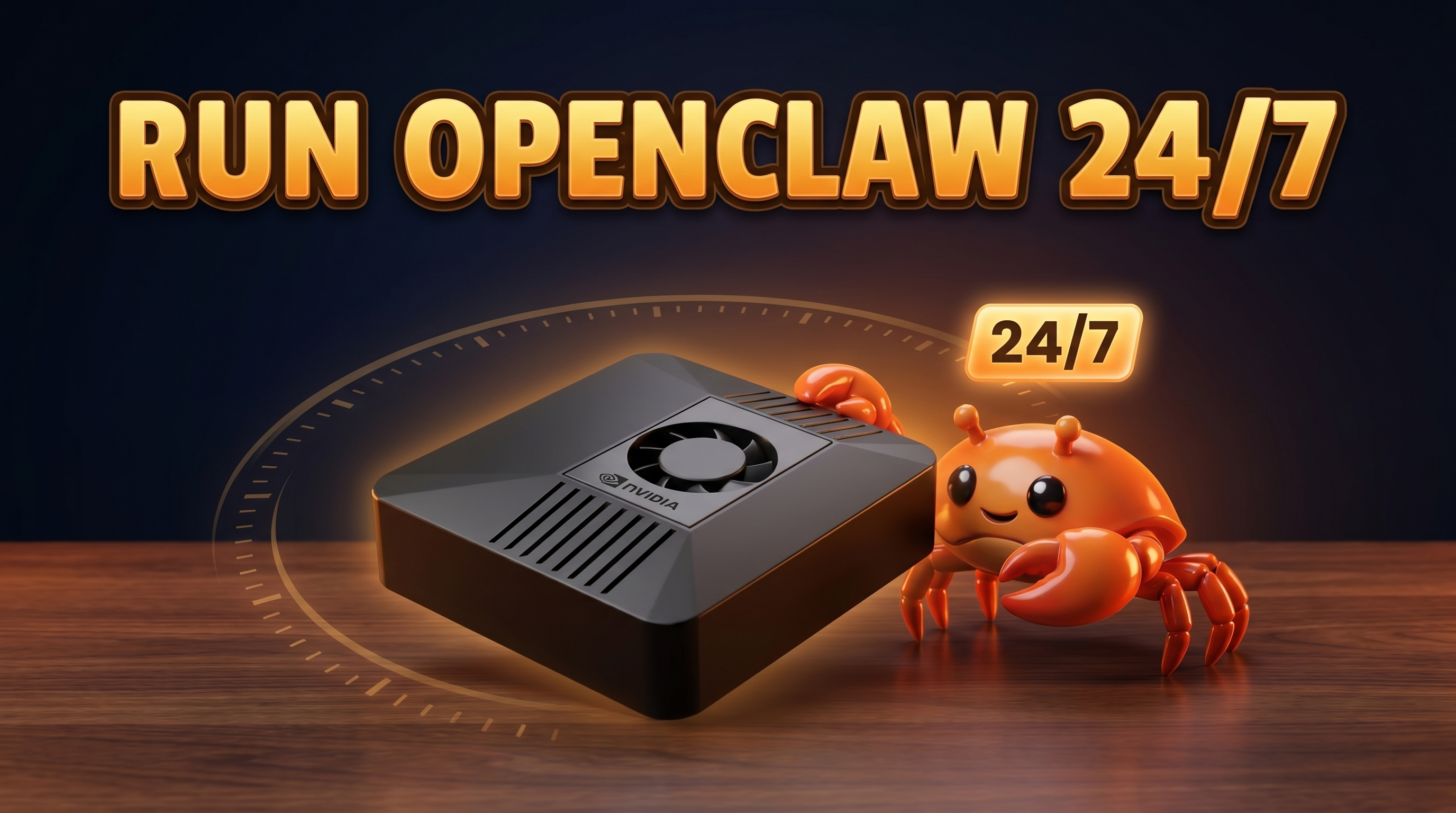
If you want to run OpenClaw 24/7, the first thing to understand is why that matters. OpenClaw isn't a chat window you open when you need it. It's an assistant that works in the background — answering messages, running scheduled jobs, driving a browser, sending you notifications. None of that happens if the thing is asleep. An always-on AI assistant is only useful if it's actually on.
This guide covers what running OpenClaw all the time really requires, why your laptop is the wrong tool for the job, how to set it up properly on dedicated hardware, and the shortcut if you'd rather skip the fiddly parts.
Why "always-on" is the whole point
OpenClaw earns its keep when it's running while you're not looking. Take away the always-on part and most of the platform stops making sense:
- Scheduled and cron tasks. A daily 9am digest, a weekly report, a "check this every hour" job — these only fire if OpenClaw is awake at the moment they're due. A sleeping machine misses the trigger entirely.
- Inbox and messaging replies. OpenClaw connects to Telegram, WhatsApp, Discord, and web chat. To reply when a message arrives, it has to be listening when the message arrives. There's no catching up later on a real-time conversation.
- Long-running browser automations. Real-Chrome browser jobs can take minutes — logging in, navigating, scraping, filling forms. If the host goes to sleep mid-task, the job dies.
- Notifications and email/calendar. Push alerts and calendar-driven actions assume something is watching the clock around the clock.
In short: the value of OpenClaw is that it never sleeps. Keep OpenClaw running and it's an autonomous assistant. Let it stop and it's just an app you forgot to open. I wrote more about this mindset in the case for dedicated AI hardware.
What running OpenClaw 24/7 actually requires
Keeping OpenClaw on all the time isn't complicated, but it has real requirements. Here's the honest list:
- A dedicated low-power device. Something you can leave on permanently without thinking about it or paying a fortune to power.
- A stable network. OpenClaw needs always-on internet — for messaging platforms, optional cloud LLM routing, and remote access. Wired Ethernet is ideal; reliable Wi-Fi is fine.
- Auto-start on boot. After a power blip or update reboot, OpenClaw should come back up on its own, not wait for you to log in and launch it.
- Auto-restart on crash. Software hiccups. The process should be supervised so that if it dies, it restarts automatically.
- Low electricity cost. This runs 24/7/365, so wattage matters. A 200W desktop left on all year is a real line item; a 10W device is rounding error.
- Optional remote access. So you can check on it, change config, or pull logs from your phone or another machine.
Meet those and you have a genuine always-on AI assistant. Miss the auto-start/auto-restart parts and you'll find OpenClaw mysteriously "off" every time something reboots.
Why your laptop or main PC is the wrong place
The instinct is to just run it on the computer you already own. It works for five minutes of testing, then reality sets in:
- Laptops sleep and lids close. The moment you walk away and it suspends, OpenClaw stops. Every missed cron job and unanswered message traces back to this.
- You reboot your main machine constantly. Updates, games, that-one-app-that-froze. Each reboot kills OpenClaw unless you've gone out of your way to supervise it — and then it's still tied to a machine you actively use.
- Power use is wasteful. Leaving a full desktop or laptop running 24/7 just to host one background service burns far more electricity than the job needs.
- It ties up your machine. Browser automation that grabs a real Chrome window, background inference eating RAM — you don't want that competing with your actual work.
Your daily-driver and your always-on server have opposite job descriptions. One you turn off and carry around; the other should never move and never stop.
How to run OpenClaw 24/7 on dedicated hardware
The right pattern is a small, cheap, dedicated machine that does nothing but stay on. At a high level:
- Pick a low-power always-on machine. A mini PC, a single-board computer, or a small server — something built to idle quietly at single-digit-to-low-double-digit watts.
- Install OpenClaw on Linux. OpenClaw runs well on Linux (Ubuntu is a solid choice). You'll want at least 4GB RAM and Node.js 18+ to meet the minimum; 8GB+ of unified memory, NVMe storage, and a CUDA GPU or Jetson are recommended for smooth local inference.
- Run it as a background service. Configure OpenClaw to run as a supervised service so it starts on boot and restarts on failure. This is the single most important step for true 24/7 operation — follow the official OpenClaw docs for the exact service setup rather than copying random commands.
- Put it on a stable network. Wired Ethernet where you can; dependable Wi-Fi otherwise. OpenClaw needs that always-on connection.
- Set up remote access. So you can manage it headlessly from elsewhere.
That's the whole recipe. If you enjoy this kind of setup, my walkthrough on building local AI workflows and automation goes deeper on what to actually run once it's up.
The simplest path: ClawBox
If you'd rather not source hardware, install Linux, and wire up a service supervisor yourself, that's exactly why we built ClawBox. It's always-on by design.
It's an NVIDIA Jetson Orin Nano Super — 67 TOPS, 8GB LPDDR5 unified memory, 512GB NVMe SSD, running Ubuntu 22.04. OpenClaw comes pre-installed and configured to run continuously, so the boot/restart supervision is already done. It's silent (no fans whining next to your desk), tiny at 100×79×31mm and 275g, and it sips power.
| Spec | ClawBox |
|---|---|
| Compute | Jetson Orin Nano Super, 67 TOPS |
| Memory | 8GB LPDDR5 unified |
| Storage | 512GB NVMe SSD |
| Power draw | 7–15W typical |
| Electricity cost | ≈ €0.80/month (at ~€0.25/kWh) |
| Size / weight | 100×79×31mm / 275g |
| OS | Ubuntu 22.04 |
| Price | €549 one-time |
That power figure is the headline for an always-on box: at 7–15W you're looking at roughly €0.80 a month to keep your assistant running every hour of every day. Compare that to a desktop left on year-round. One-time €549, made by ID ROBOTS Ltd. You can see the full pricing and how it stacks up on the best hardware page.
Frequently asked questions
Does OpenClaw need to run all the time?
To get its core value, yes. Scheduled tasks, live message replies, and notifications all depend on OpenClaw being awake when the event happens. You can start it only when needed, but you'll miss everything that fires while it's off.
How much power does it use running 24/7?
On efficient dedicated hardware, very little. ClawBox draws 7–15W, which is about €0.80/month at ~€0.25/kWh. A full PC left on 24/7 can cost many times that.
Can I run OpenClaw on a Raspberry Pi 24/7?
You can run it on small Linux single-board computers, provided you meet the minimums (4GB RAM, Node.js 18+, always-on internet). Just know that local LLM inference is much happier with 8GB+ of unified memory and a CUDA GPU or Jetson — which is the gap ClawBox is built to fill.
What happens if it crashes?
If you've set OpenClaw up as a supervised background service (or you're on ClawBox, where this is preconfigured), the process restarts automatically and comes back on boot after a reboot. Without that supervision, a crash leaves it down until you manually relaunch.
Does it have to be on dedicated hardware?
No, but it should be. A dedicated low-power device stays on, doesn't get rebooted for your daily work, and won't tie up your main machine with background browser jobs and inference.
Can I access it remotely?
Yes. Set up remote access on your dedicated machine and you can manage OpenClaw headlessly from your phone or another computer.
Keep it on, and let it work
Running OpenClaw 24/7 comes down to one decision: give it a home that never sleeps. Build that yourself on a low-power Linux box with a supervised service, or skip the setup and start with a ClawBox that arrives always-on at roughly €0.80/month to run.
Either way, the goal is the same — an assistant that's awake when your messages land, your jobs are due, and your automations run. That's the whole point.